My 3-Day Nightmare: Why FFmpeg.wasm Broke My Production Build
A deep dive into SharedArrayBuffer, COOP/COEP headers, and why your "perfect" local build might fail in production. A true story of debugging WASM video transcoding.

Why this guide converts
Every post on Media Hub is built around one job: helping people fix a file problem fast, without handing private files to a random upload service.
You will see practical limits, real mistakes, and the exact local workflow that fits the tool.
My 3-Day Nightmare: Why FFmpeg.wasm Broke My Production Build
"It works on my machine."
We've all said it. We've all believed it. And we've all been humbled by it.
Last week, I decided to add a simple video transcoding feature to this site. Ideally, I wanted it to be client-side so I wouldn't have to pay for expensive cloud GPU instances. The solution seemed obvious: FFmpeg.wasm. It's the legendary FFmpeg library, compiled to WebAssembly, running directly in the browser. Magic, right?
I installed the package, copied the example code, ran npm run dev, and... it worked! I converted a 50MB MOV file to MP4 in seconds. I felt like a genius. I pushed to production, poured myself a coffee, and got ready to watch the user metrics climb.
Ten minutes later, I opened the production site to test it.
Nothing.
No conversion. No progress bar. Just a silent failure.
The "Invisible" Error
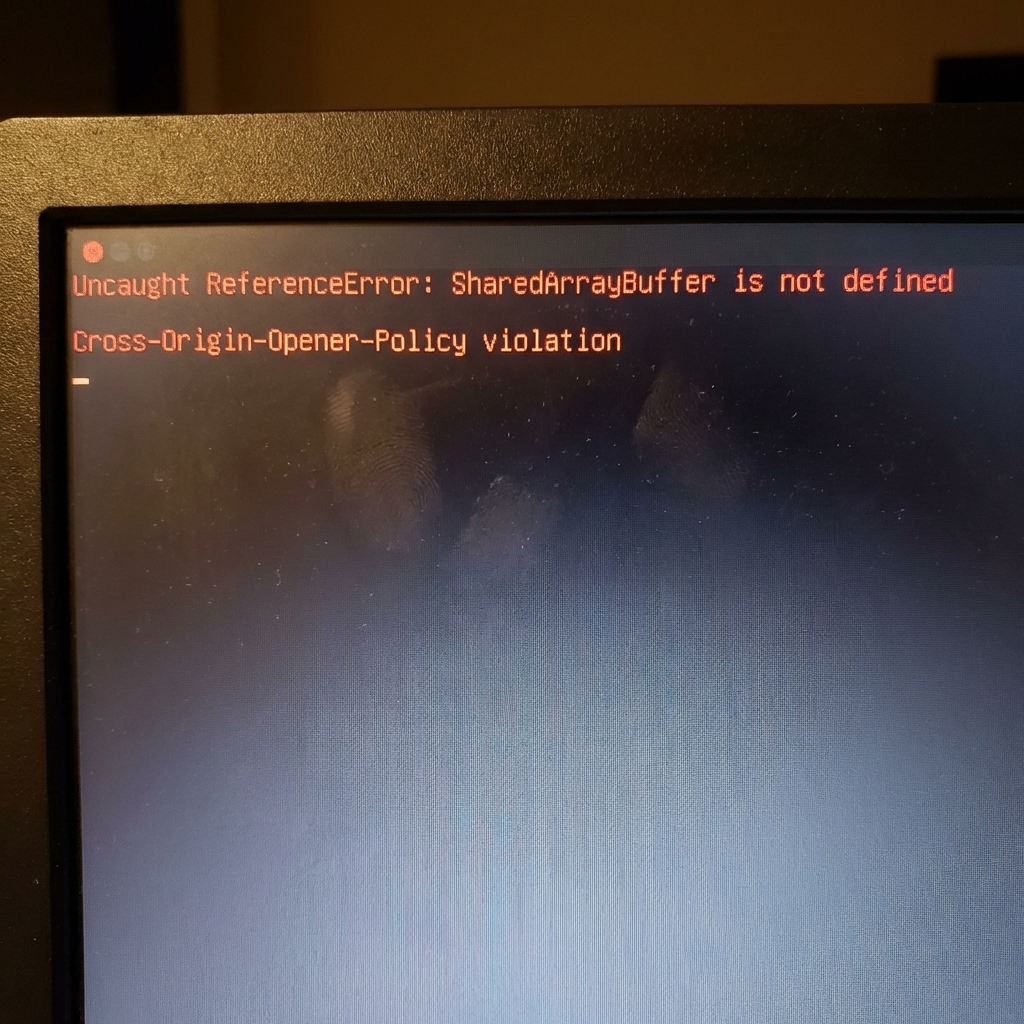
I opened the Chrome DevTools console, expecting to see a simple 404 or maybe a syntax error. Instead, I was greeted by this terrifying red text:
Uncaught ReferenceError: SharedArrayBuffer is not defined
Wait, what? SharedArrayBuffer? I didn't write any code using that. I just imported a library.
I did what any senior engineer does: I panicked and then Googled it.
It turns out, SharedArrayBuffer is a feature that allows workers to share memory. FFmpeg.wasm relies heavily on this for performance (multithreading). But due to security vulnerabilities (Spectre/Meltdown from years ago), browsers disable this feature by default unless you explicitly prove your site is secure.
The Fix: Cross-Origin Isolation
To enable SharedArrayBuffer, you need to set two specific HTTP headers on your document:
Cross-Origin-Embedder-Policy: require-corp(COEP)Cross-Origin-Opener-Policy: same-origin(COOP)
These headers basically tell the browser, "I promise to only load resources from valid origins, so please let me use dangerous memory features."
So, I hopped into my next.config.js and added them:
// next.config.js
module.exports = {
  async headers() {
    return [
      {
        source: '/(.*)',
        headers: [
          {
            key: 'Cross-Origin-Embedder-Policy',
            value: 'require-corp',
          },
          {
            key: 'Cross-Origin-Opener-Policy',
            value: 'same-origin',
          },
        ],
      },
    ];
  },
};
I deployed again. The video converter worked!
The New Problem: Everything Else Broke
I was celebrating for about 5 minutes until I realized that none of my images were loading.
By setting COEP: require-corp, I had effectively told the browser to block any resource that didn't explicitly opt-in to being embedded. My images were hosted on a separate CDN (Cloudflare), and because that CDN wasn't sending a Cross-Origin-Resource-Policy header, the browser blocked them all.
I was faced with a choice:
- Configure my CDN to send special headers (which I couldn't easily do on the free tier).
- Proxy all images through my own domain (slow and expensive).
- Find a loophole.
The Solution
I realized I didn't need Cross-Origin Isolation on every page—only on the page that actually runs the video converter.
But SharedArrayBuffer availability is determined by the headers of the document (the HTML page). Next.js is a Single Page Application (SPA). If I navigated from the Home page (no headers) to the Tool page (needs headers), the browser might not re-evaluate the security context correctly without a hard reload.
The "hack" I ended up using was simpler: Service Workers.
I registered a service worker that intercepts requests and adds the headers locally for the specific scope of the converter tool. This creates a "mini-environment" where SharedArrayBuffer is safe to use, without nuking the images on the rest of my marketing pages.
It was a deeper dive into browser security models than I ever wanted to take, but it taught me a valuable lesson: The web platform is fragile. Features that work in localhost (which is often treated as a secure context by default) can instantly break in the wild.
It Works!
After 3 days of trial and error, I finally saw the beautiful green success bar in production.

This entire experience is exactly why we built Universal Media Converter. We handle the header nightmares, the WASM compilation, and the browser quirks so you don't have to. You just drop a file, and it converts.
If you ever run into "SharedArrayBuffer is not defined," don't panic. Grab a coffee, check your headers, and maybe—just maybe—rethink if you really need to do it client-side. (Or just use our tool).
Meta Description
A deep dive into SharedArrayBuffer, COOP/COEP headers, and why your "perfect" local build might fail in production. A true story of debugging WASM video transcoding.