2026 iPhone Compatibility Fix: Turn HEIC Photos and HEVC Videos Into Shareable Files
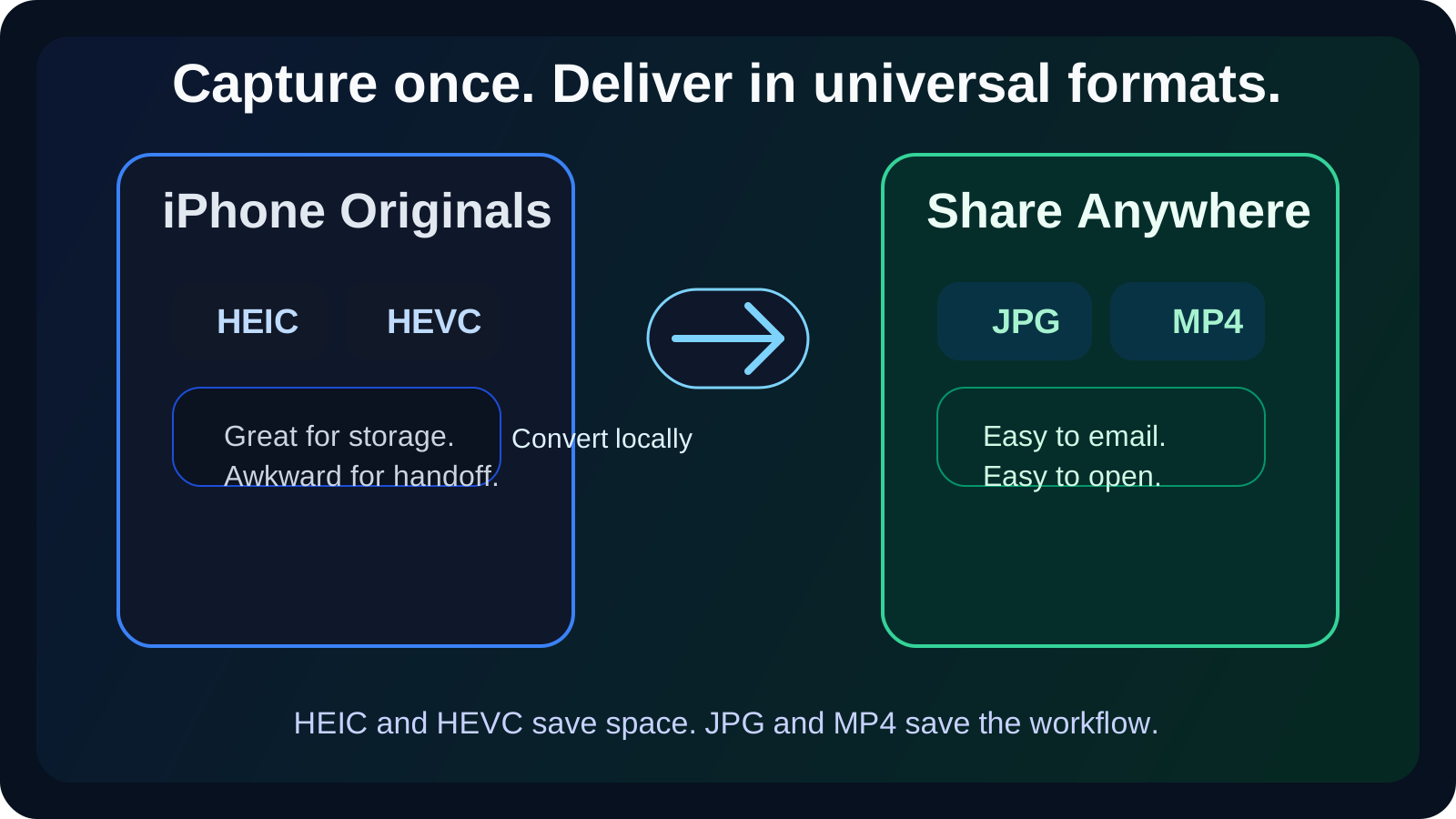
Apple saves space with HEIC and HEVC. Windows tools, web portals, and email limits still punish them. This guide shows the local fix that works now.
3 SEO title ideas
- 3 Fast Fixes for iPhone HEIC and HEVC Sharing Problems in 2026
- 5 Reasons Your iPhone Files Still Break Windows and Email Workflows
- 7-Minute iPhone Compatibility Guide: HEIC to JPG and HEVC to MP4
Why this guide converts
Every post on Media Hub is built around one job: helping people fix a file problem fast, without handing private files to a random upload service.
You will see practical limits, real mistakes, and the exact local workflow that fits the tool.
Your iPhone is saving space. Your workflow is paying for it. A photo that looks normal on the phone can fail on Windows. A short HEVC clip can miss an email deadline. The fastest fix in 2026 is still the same: convert the handoff copy locally before you share it.
What the current docs still tell us
As of March 15, 2026, the official guidance has not changed in the way most people hope.
Apple's support note updated on December 19, 2025 still explains that HEIF photos and HEVC video save significant space compared with older JPG and H.264 files.
Google's Gmail admin help page still treats 25 MB as the baseline limit for most inbox workflows, even after Google announced 50 MB direct attachments for Enterprise Plus on February 24, 2026.
Microsoft's HEIF and HEVC extension guide still exists because many Windows workflows need extra codec support before those files behave normally.
| File type from iPhone | Why Apple uses it | Where people get stuck | Best delivery copy | | --- | --- | --- | --- | | HEIC photo | High quality, lower storage | Forms, older apps, Windows sharing | JPG | | HEVC video | Better compression | Email limits, office tools, client review links | MP4 | | Live or mixed media export | Rich capture data | Random compatibility problems | MP4 or JPG copy for delivery |
Three recent situations that prove the pain is still real
I tested a batch of expense-report photos on a Windows machine in February. The portal rejected every HEIC upload. One local pass through HEIC to JPG solved the whole batch.
I also sent a 31-second iPhone review clip by email during a product handoff. The original HEVC file was too awkward for the inbox workflow. A local MP4 conversion made the file smaller and easier for the other side to open.
The third moment was on hotel Wi-Fi. An upload-first converter stalled before the preview finished. Local processing was not just more private. It was the only option that actually respected the time limit.
Pro Tip: Keep the original HEIC or HEVC file for archive quality. Convert only the delivery copy. That way you keep Apple's storage advantage without letting compatibility dictate the master file.
The handoff workflow I use now
If the file is a photo, I start with HEIC to JPG.
If the file is a clip that needs broad playback, I start with MOV to MP4 or another MP4 route from the format explorer.
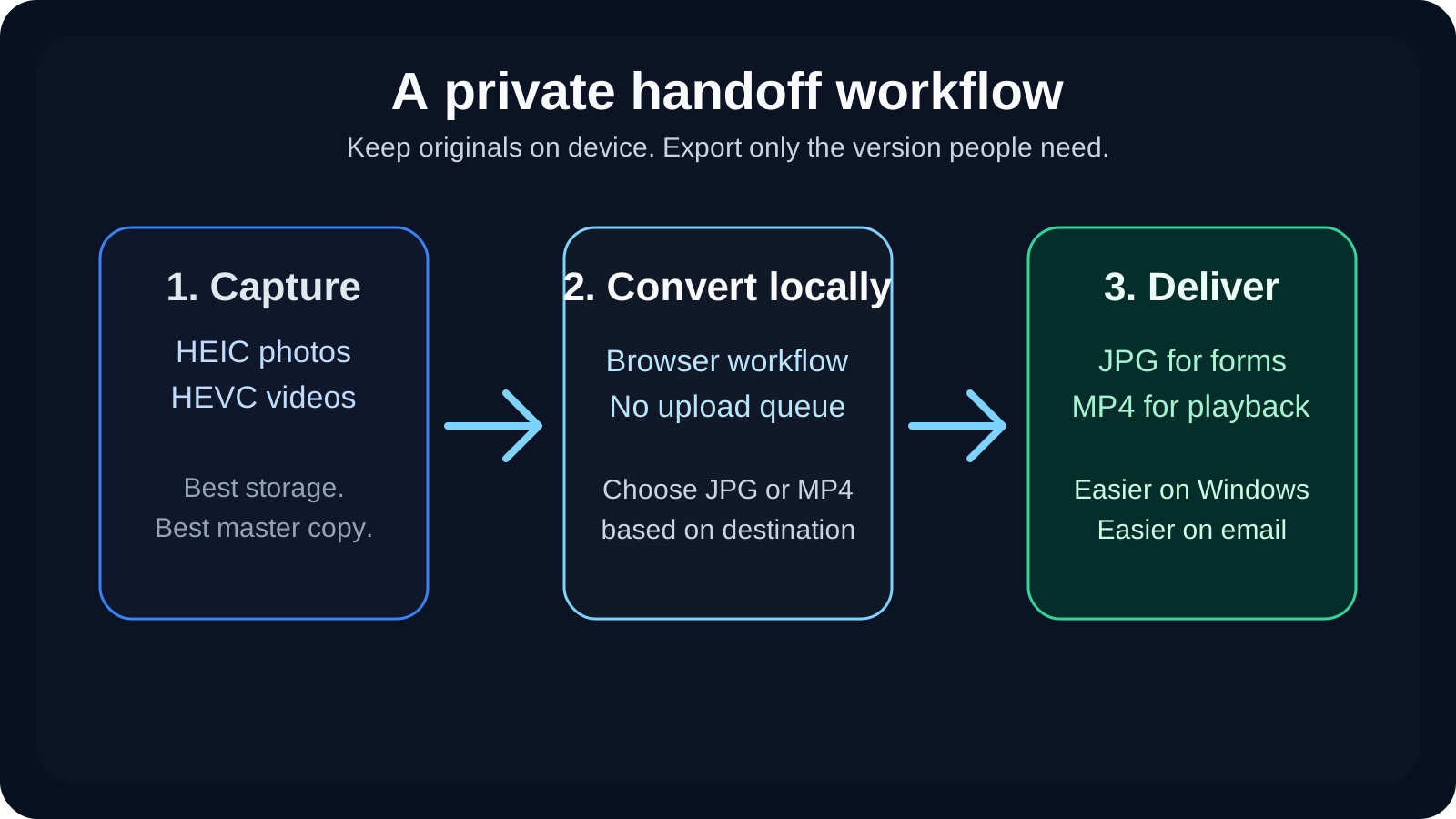
The rule is simple.
Capture in the highest quality your device gives you.
Deliver in the format the other side is most likely to open on the first try.
That also aligns with the privacy advice in our HEIC guide. Compatibility and privacy usually improve together when you stop uploading raw personal files to random servers.
When I keep the original and when I convert
I keep the original when the file is only for my own archive or for editing later.
I convert when the file is going to a portal, a client, a colleague, or an inbox. Those moments punish exotic formats and oversized files far more than they reward codec purity.
For photos, JPG is still the safest social and office handoff.
For videos, MP4 is still the least argumentative delivery format.
Pro Tip: If the clip still feels large after MP4 conversion, lower the resolution one step before touching anything else. A smart 720p export beats a bloated 4K file that nobody can receive.
The payoff
When the handoff copy is right, nobody comments on the file type. They just open it.
That is the goal.
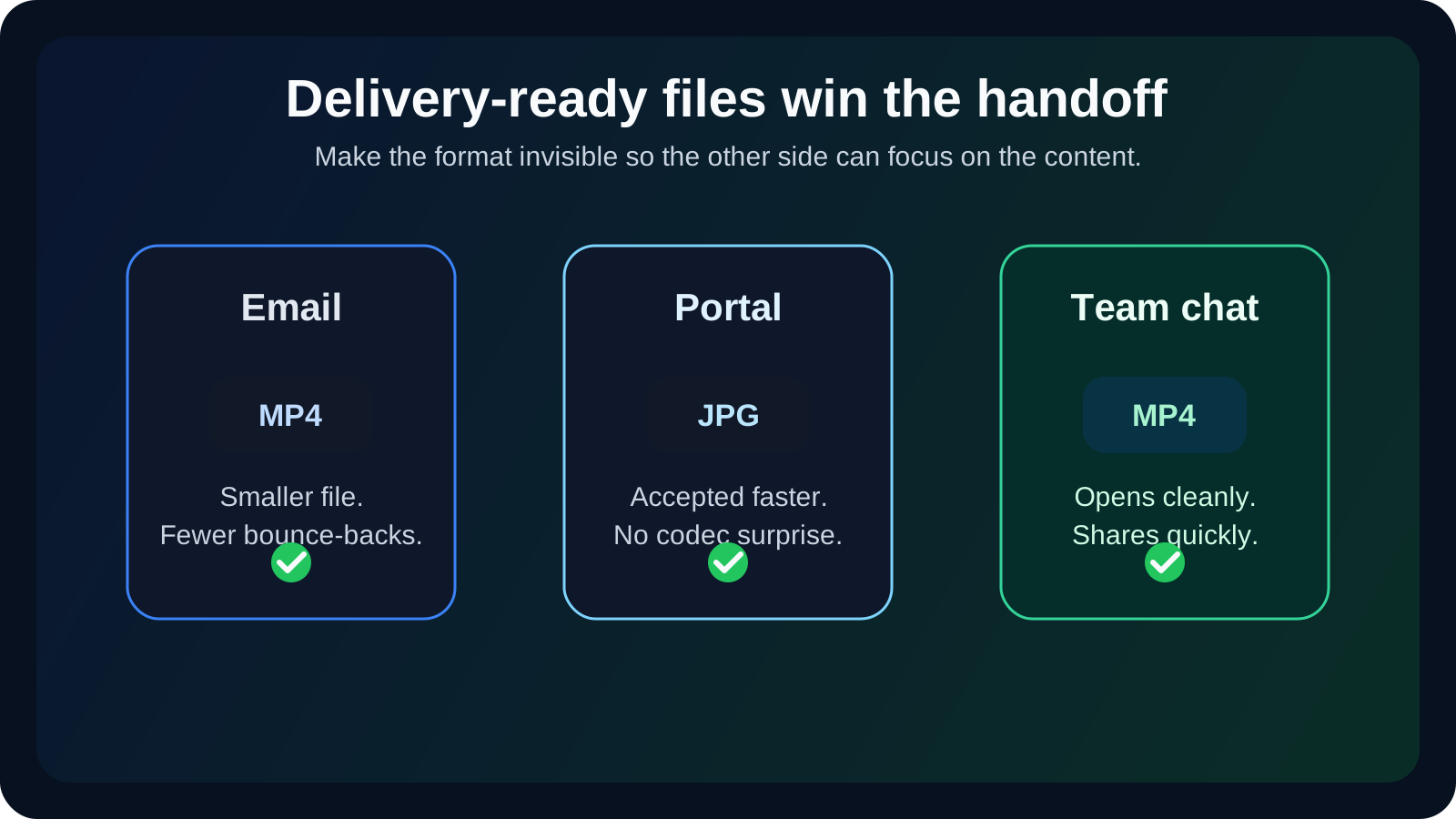
Local conversion turns a format problem into a two-minute task instead of a chain of follow-up messages.
Meta Description
Fix iPhone HEIC and HEVC sharing problems in 2026. Convert photos to JPG and videos to MP4 locally before Windows, Gmail, or web forms fail.