How to Send Large Videos on WhatsApp, Gmail, and Discord Without the "Too Large" Error
If a group chat or inbox keeps rejecting your video, this guide shows the cleanest way to compress it for common size limits.
3 SEO title ideas
- 5 Fast Fixes for WhatsApp and Gmail "File Too Large" Errors
- 3 Video Compression Tricks That Beat Chat and Email Limits
- 7 Simple Ways to Send Large Videos Without Upload Failure
Why this guide converts
Every post on Media Hub is built around one job: helping people fix a file problem fast, without handing private files to a random upload service.
You will see practical limits, real mistakes, and the exact local workflow that fits the tool.
You recorded the moment. Then the app said no. WhatsApp, Gmail, and Discord are brutal about file size, and they never tell you the smartest fix. The easiest answer is not deleting the clip. It is shrinking it once, properly, for the limit you actually need.
Match the file to the platform
Different platforms fail at different sizes, so the output should change with the destination.
| Destination | Typical pain point | Safe target size | Best first move | | --- | --- | --- | --- | | WhatsApp media | Hard fail on large clips | Under 16 MB | Small MP4 preset | | Standard Gmail | Attachment ceiling | Under 25 MB | 720p MP4 | | Discord free | Tiny upload limit | Under 8 MB | Trim first, then compress | | Team chat or Slack export | Preview weirdness | Small MP4 | Re-encode once to clean MP4 |
Three situations where the wrong export wasted my time
I once sent a concert clip to a family group and forgot the original was still 4K. The file bounced immediately. One smaller MP4 export fixed it in less time than the failed upload took.
I also had to send a review clip from a train with poor signal. A server-based converter made the whole job depend on upload speed. Local conversion finished before I found stable bars.
The third was a Discord upload for a product bug report. The clip itself was short, but dead time at the start made it too large. Trimming six seconds was enough to get under the limit.
Pro Tip: If you are close to the limit, remove dead frames before lowering quality. Length is often the cheapest thing to cut.
The local workflow that works every time
Open Media Hub. Pick the route you need. If the original is a camera file, starting with MOV to MP4 is often the cleanest move.
Then upload the clip and choose the smallest preset that still looks good for the destination.
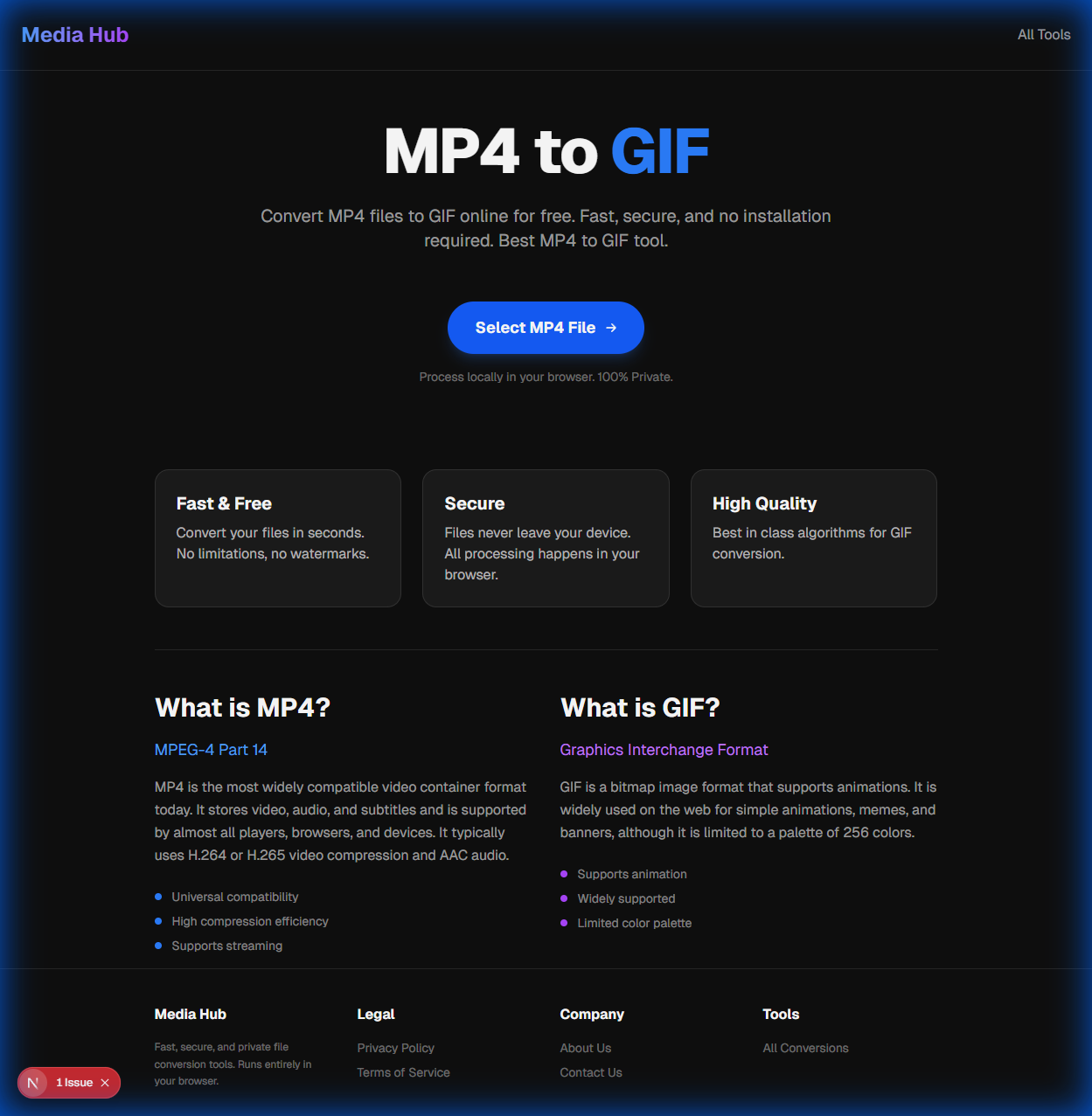
For WhatsApp and Gmail, I start with 720p or the mobile preset.
For Discord, I trim first. That gives the biggest size win without making the picture look crushed.
If you want the broader playbook, our general compression guide covers the resolution and bitrate logic in more detail.
The two platform tricks people miss
WhatsApp often gives you a second path if you send the file as a document instead of as media. That is useful when you need to preserve more quality.
Email is less flexible. A clean, smaller MP4 is usually the only sane answer if you want the attachment to leave the outbox.
Pro Tip: Compress once, check size, then send. Repeated compression passes usually hurt quality more than one careful preset choice.
End with something people can actually open
When the file is done, download it, confirm the size, and send the finished version.
That final check is boring, but it prevents the most annoying loop in modern messaging: "Can you resend it another way?"
Meta Description
Compress large videos for WhatsApp, Gmail, and Discord with a local workflow that keeps quality usable and avoids failed uploads everywhere.